
 Ask ChatGPT
 Ask Perplexity
 Ask Claude
 Prefer us on Google
Introduction
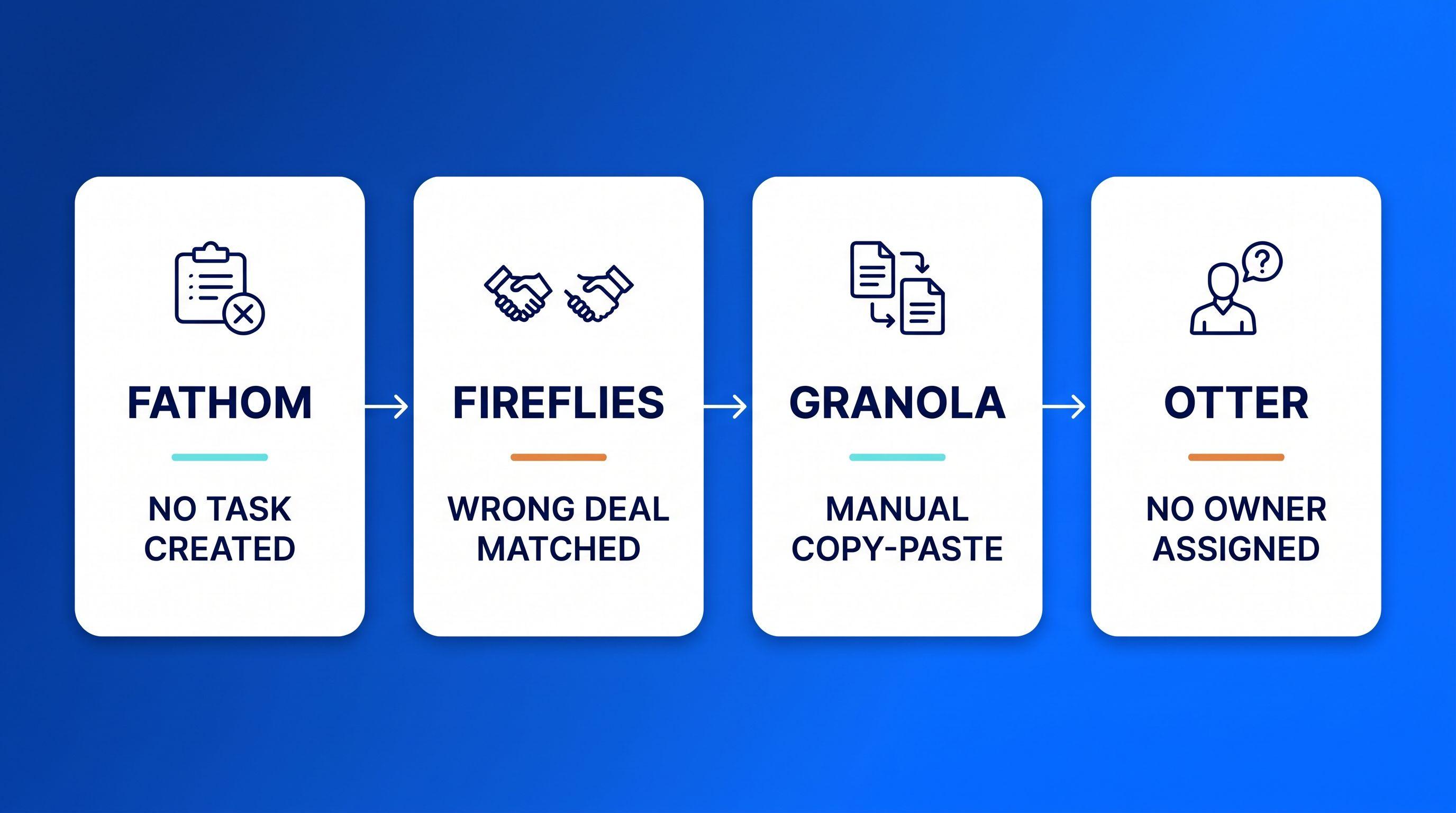
A meeting notetaker's job ends at the transcript. It records what was said and turns that into a summary with action items. Updating your CRM's deal stage and logging a next step as an assigned task is a separate job. A human, or a different system, still has to finish it. Fathom, Fireflies, Granola, and Otter differ sharply in how much of that second job they actually close.
Key takeaways
- A notetaker produces a transcript and a summary with action items. Turning that into a logged, assigned CRM follow-up is a different job, and most tools don't finish it.
- "Syncs to your CRM" usually means a note gets attached to the right record. It rarely means a task gets created, assigned, and tracked without a human noticing.
- Vendor CRM support varies by which CRM you run: Granola, for example, pushes natively into HubSpot, Attio, and Affinity but needs a separate Zapier setup for Salesforce.
- For an owner who is still the whole sales department, selling time is already scarce, which is why the manual "update the CRM after the call" step gets skipped.
- A fast, assigned follow-up protects your odds of reaching and qualifying a lead; a polished recap doesn't substitute for it.
Your notetaker's job ends at the transcript, not the CRM record
A meeting notetaker's job is to produce a transcript, a summary, and a list of action items. By default, it does not update your CRM's deal stage, log a next step, or schedule the follow-up. Turning a recap into something the CRM reflects, and something someone acts on, is a separate step.
Fathom, Fireflies, Granola, and Otter all solve the same first problem well: nobody on the call has to take notes anymore. The call gets captured, transcribed, and summarized, often within minutes of hanging up. From the notetaker's point of view, that's the whole job, done.
That's also where the gap opens. The recap lands in an inbox or an app, and the meeting looks handled. Nothing in the tool stops there, but nothing pushes the recap any further either. Salesforce's fifth State of Sales report, a survey of 7,775 sales professionals across 38 countries, found that selling itself takes up just 28% of a typical week, with most of the rest going to administrative work like record-keeping and data entry. For an owner who is still the whole sales department, that math is personal: the manual step of turning a transcript into a CRM update is the one that gets pushed to tomorrow, and tomorrow it's still undone.
A transcript, a structured CRM update, and a next action someone owns: the notetaker reliably delivers the first piece. What happens with the second and third is where tools, and teams, actually differ. With a typical CRM alone, closing that second and third step is still manual work for whoever owns the deal. Add meeting intelligence that reads the transcript and drafts the CRM update and next step for you; a person still reviews and approves it before anything changes in the record.
This gap is part of a broader pattern covered in our guide to how an owner who's still the whole sales department loses leads and clients: a tool solves one visible problem well enough that nobody questions whether the adjacent problem got solved too.
The exact handoff that breaks: transcript to CRM record to next action
The break happens in the second step. That step turns a transcript into a structured, field-level CRM update: a deal stage, a logged note, an owner, and a next step someone actually works.
Picture the chain as three links. Link one is capture: the call gets recorded and transcribed. Link two is translation: the transcript becomes a structured CRM entry attached to the right contact or deal. Link three is action: a next step gets created, assigned to a person, and tracked until it's done.
Most notetaker marketing covers link one to link two reasonably well. A note or summary lands somewhere inside the CRM record. Far fewer products make a confident, verifiable claim about link two to link three: that a task actually gets created, assigned, and surfaced to the right person without anyone having to notice it's missing.
A revenue-ops comparison of Fireflies and Otter tells buyers to check for this directly: whether a tool creates tasks and drives field-level CRM updates, or merely attaches a note (AskElephant). Vendors often use "having a CRM integration" and "closing the follow-up loop" as if they were the same promise, but they are two separate claims, and conflating them is how a deal quietly goes cold while everyone assumes it's being worked.
What "syncs to your CRM" actually means, vendor by vendor
"Syncs to your CRM" usually means the summary and action items get attached to the right contact or deal record without a person doing it by hand. It does not reliably mean a task gets created, assigned, and tracked without a human noticing, and how much of that gap closes depends heavily on which CRM you actually run.
The comparison below reflects each vendor's own description of its product, not independent testing of reliability.
| Notetaker | Native CRM support | Note vs. task | Notable caveat |
|---|---|---|---|
| Fathom | Salesforce and HubSpot | Pushes summaries, notes, and next steps into the matching record "the moment a call ends," per Fathom's CRM integrations page | Richer features like the HubSpot Deal View, which aggregates every call tied to a deal, need the paid Business plan (Fathom, HubSpot integration page) |
| Fireflies | HubSpot | Claims it can "automatically generate tasks in HubSpot from action items discussed in meetings," the most explicit task-creation claim among the tools compared (Fireflies, HubSpot integration page) | Claim is vendor-stated, not independently verified |
| Granola | HubSpot, Attio, Affinity (native) | Pushes "summary, action items, next steps" under the right contact (Granola, sales use case page) | No native Salesforce support; Salesforce requires a separate Zapier setup |
| Otter | Varies by plan and CRM | Delivers searchable transcripts | Industry commentary notes tasks "still need manual follow-up" even where a CRM connection exists (Klu.so) |
Fathom AI's CRM claims, reviewed
Fathom is one of the more aggressive marketers of CRM sync, framing it as "no manual entry required" for the initial logging step (Fathom). That claim covers link one to link two of the chain above well: the call summary and notes do land in the Salesforce or HubSpot record without the rep doing it by hand. It says less about link three. Getting the richer HubSpot Deal View, which rolls every call tied to a deal into one shared view, requires the paid Business plan (Fathom), and nothing in Fathom's own pages claims it creates and assigns a follow-up task the way Fireflies claims to for HubSpot specifically.
Granola shows that "syncs to your CRM" is conditional. Its own sales page is explicit that HubSpot, Attio, and Affinity get native support, while Salesforce does not; teams on Salesforce need a separate Zapier step to get the same result (Granola). Ask which CRM the vendor means. Don't assume "CRM sync" means the same thing everywhere.
Why the gap stays invisible until a deal goes cold
The gap stays hidden because nothing visibly breaks. The notetaker sent a summary, so the meeting looks handled.
A founder takes a discovery call. The notetaker transcribes it, drafts a clean summary, and lists three action items: send pricing, loop in the technical lead, follow up in two weeks. That summary lands in an inbox digest, and it looks complete, so it's easy to assume the work is done. But no system flags that the CRM record itself never got a next step, an owner, or a date. Three weeks pass. The prospect has moved on to a competitor who called back sooner. Nothing in the notetaker's workflow ever signaled that the handoff had failed, because from the notetaker's side, the job was already finished.
This pattern repeats because the tool solves the visible problem, taking notes, convincingly enough that the adjacent problem, acting on the notes, stops looking like a problem at all. Industry commentary on these tools states the pattern plainly: Fireflies and Fathom "hand you a summary and action items, but you still send the follow-up and update the CRM yourself" (Carly). A separate CRM-focused review of Fireflies describes the common failure mode even among teams actively using meeting-note tools as "the gap between the call and the next step, with delayed follow-ups and partial or outdated CRM fields" (Folk).
The gap is common enough that it has spawned its own workaround. Zapier publishes a dedicated workflow template for appending meeting notes to CRM attendee records "so relationship owners have context for follow-up" (Zapier). If this were an edge case, nobody would bother building a workaround for it.
For a closer look at how this shows up once a lead has actually gone cold, see when CRM follow-ups fall through the cracks and how to fix a forgotten follow-up the same day.
Why speed to follow-up matters more than note quality
Speed to the next touch, not recap quality, protects your odds of reaching and qualifying a lead. The research behind "respond fast or lose the lead" predates any notetaker on the market.
The foundational finding here comes from Oldroyd, McElheran, and Elkington's "The Short Life of Online Sales Leads" (Harvard Business Review, 2011): the odds of successfully contacting and qualifying a lead fall off sharply the longer it goes untouched after first contact. A transcript and a tidy summary don't change those odds. Only a logged, assigned, acted-on next step does, and that's the step most notetakers leave for a human to remember.
A CRM records the work. Klipy does it.
That's the real difference between a notetaker-plus-CRM stack and the AI CRO working on top of the record. A typical CRM, even a well-integrated one, is still a record: someone has to open it, read the recap, and decide what happens next. Klipy, built as the AI CRO, sits on top of that record and works the gap directly. When a discovery call like the one above ends, Klipy drafts the CRM update, the next step, and the follow-up message instead of leaving a transcript for someone to translate later.
It runs every deal, so deals stop running through you. Klipy drafts the update and the follow-up; you approve before either goes out or gets logged. Unlike a notetaker, Klipy finishes the structured update and the assigned next action without you having to remember them.
For a deeper look at keeping records current without the busywork, see how to keep your CRM updated without it becoming a full-time job.